Back to index

Boohoo Group

Group
Design System

Style guides and component libraries for the brands of Boohoo Group, replacing templates borrowed from one brand to the next with libraries that designers and developers used every day.

RoleLead UI Designer
Scope12 brands, web and app
Used byDesigners, Developers
Outcomes6 recorded
00

The role

As Lead UI Designer I led a team of four designers, and alongside feature work like Ratings & Reviews, one of the projects I drove was the Group’s brand style guides.

I came to it with experience of design systems, and that shaped the brief: these weren’t brand books to look at, but libraries people would build from every day.

01

The problem

When I joined Boohoo, only Boohoo and BoohooMAN had proper style guides. The Group’s other brands reused their templates with a few tweaks.

Over time that drift added up. Components stopped matching from one brand to the next, and assets that had been adapted rather than designed were often inaccessible.

Goal 01

Create full style guides for all 12 Boohoo Group brands, each its own rather than a copy.

Goal 02

Make every asset clear, accurate and complete enough to build from without asking.

02

Foundations

Each library started with the values everything else is made from: colour, type, spacing and iconography. Colour came with rules as well as swatches, showing which colours could be used together and which couldn’t.
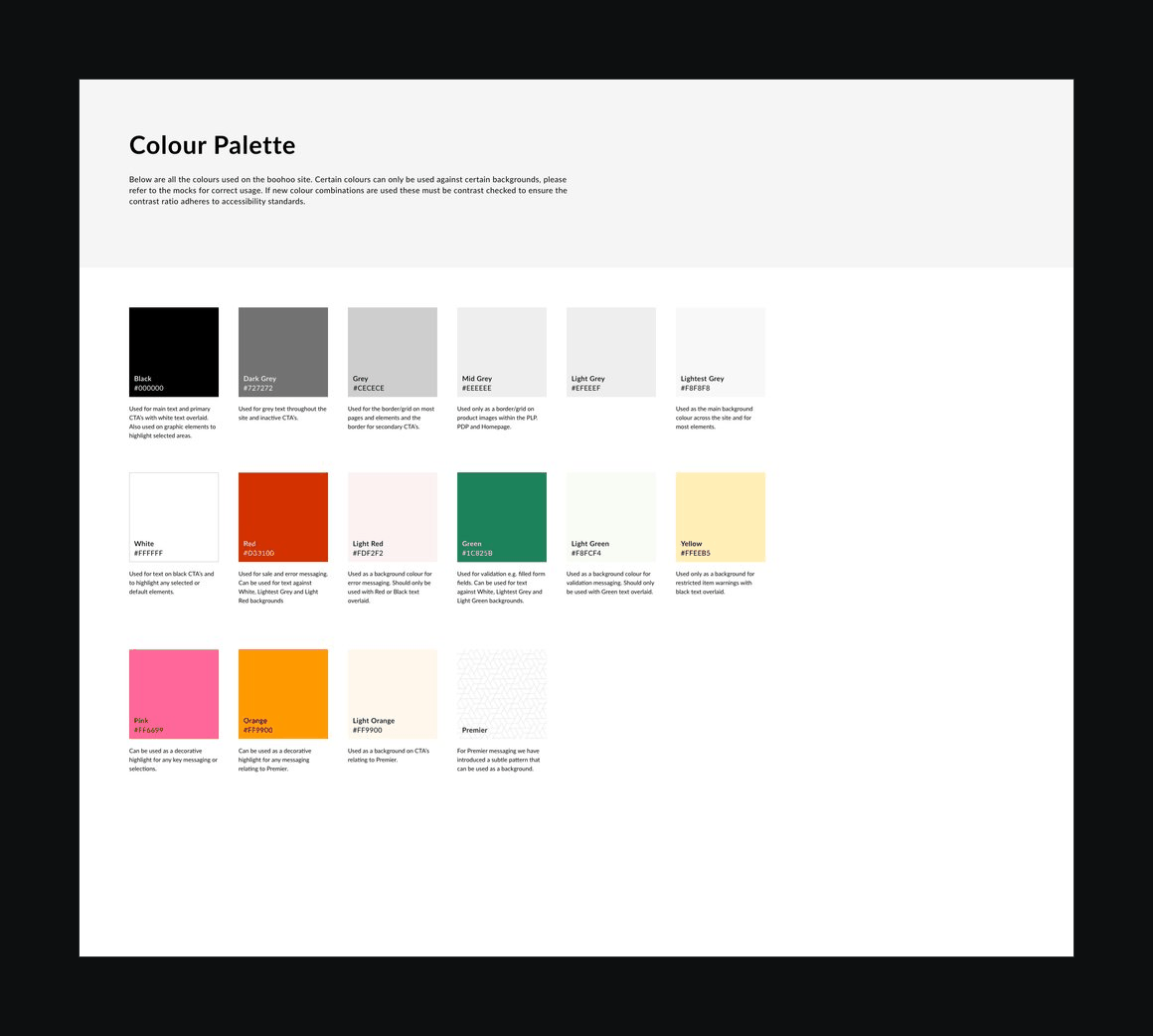
Colour palette — image slot The colour palette page of a Boohoo style guide
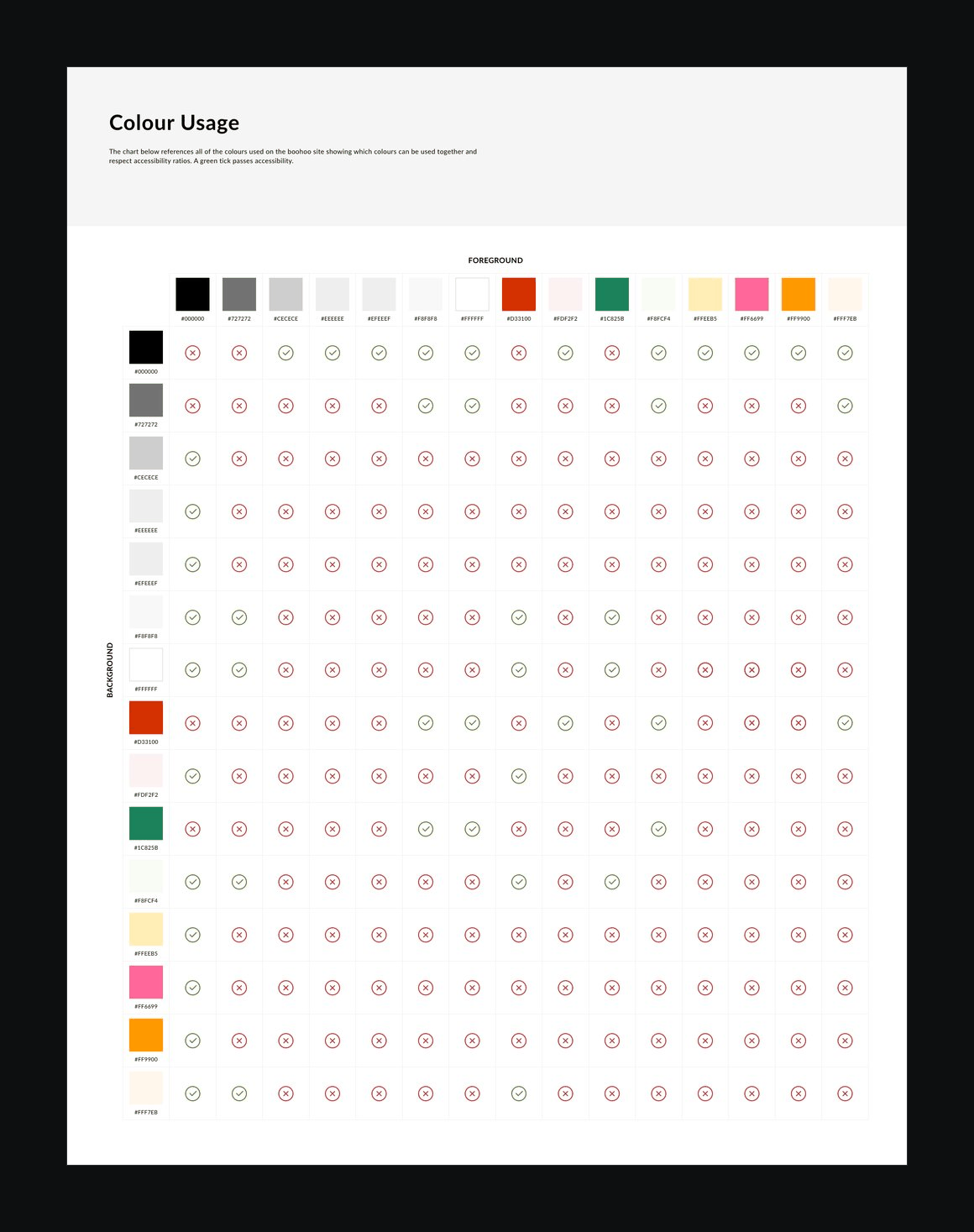
Colour usage — image slot A colour usage matrix showing which colour combinations pass and fail
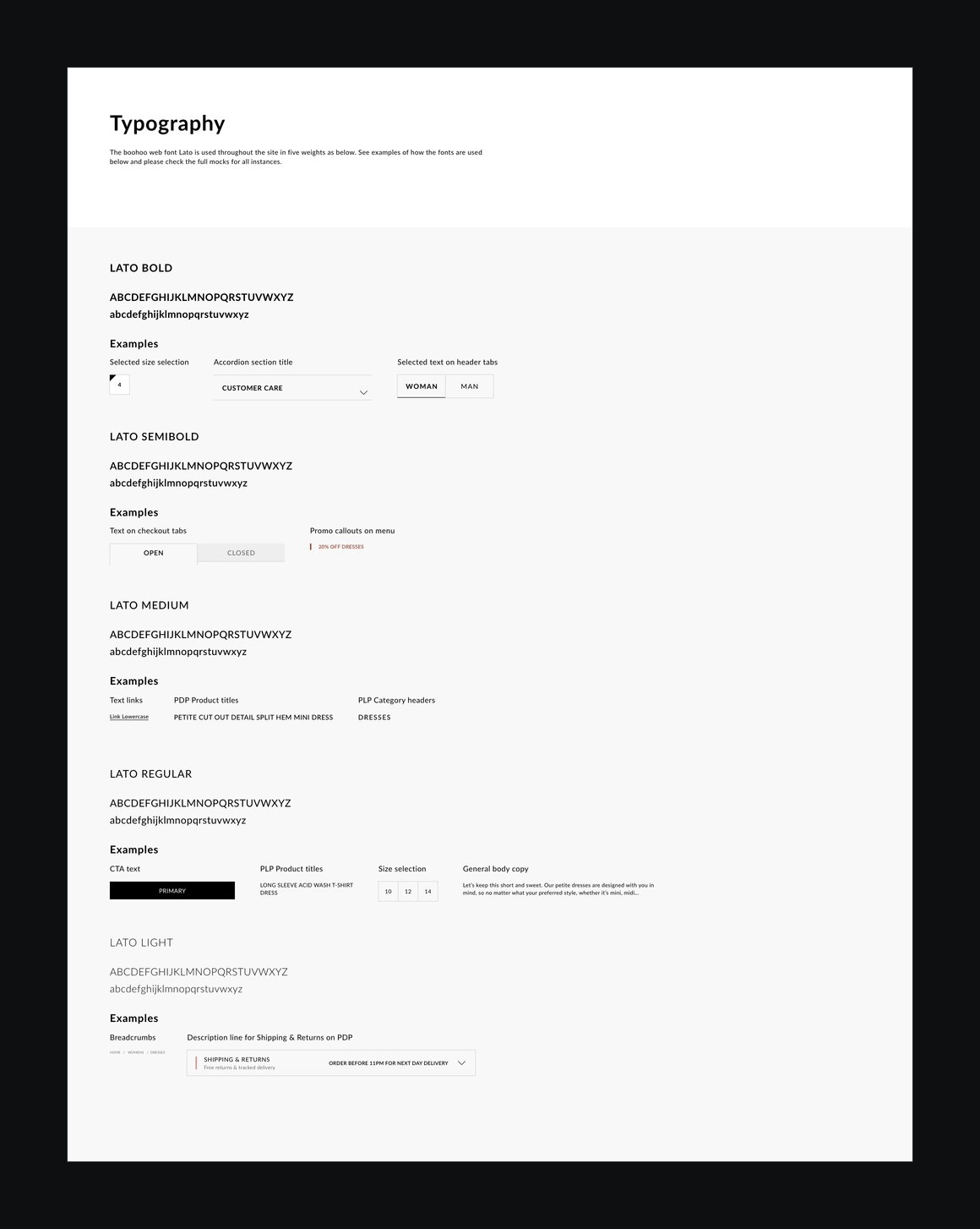
Typography — image slot The typography page, showing each weight of Lato with usage examples
W — H — 01 / 3
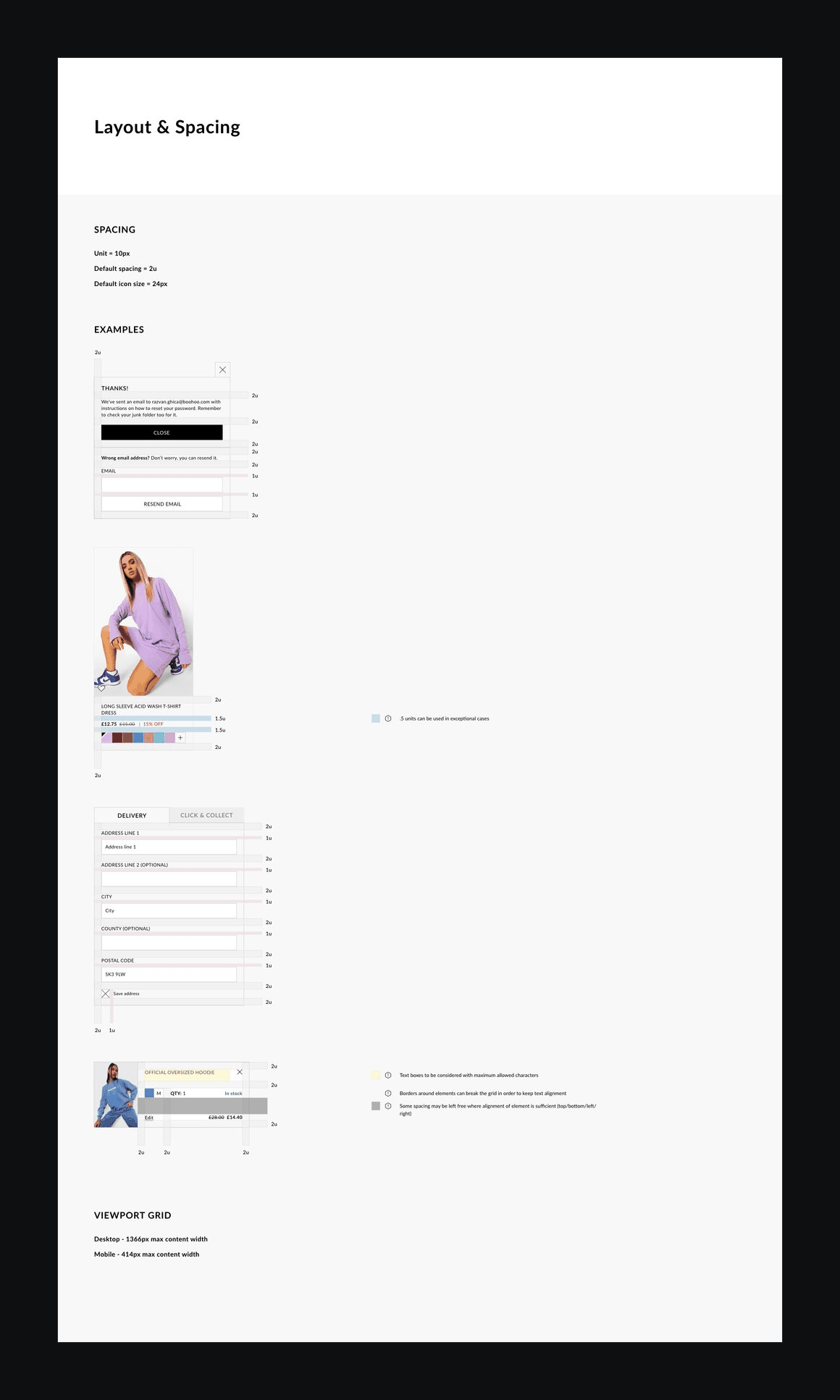
Layout and spacing — image slot The layout and spacing page, with spacing examples and the viewport grid
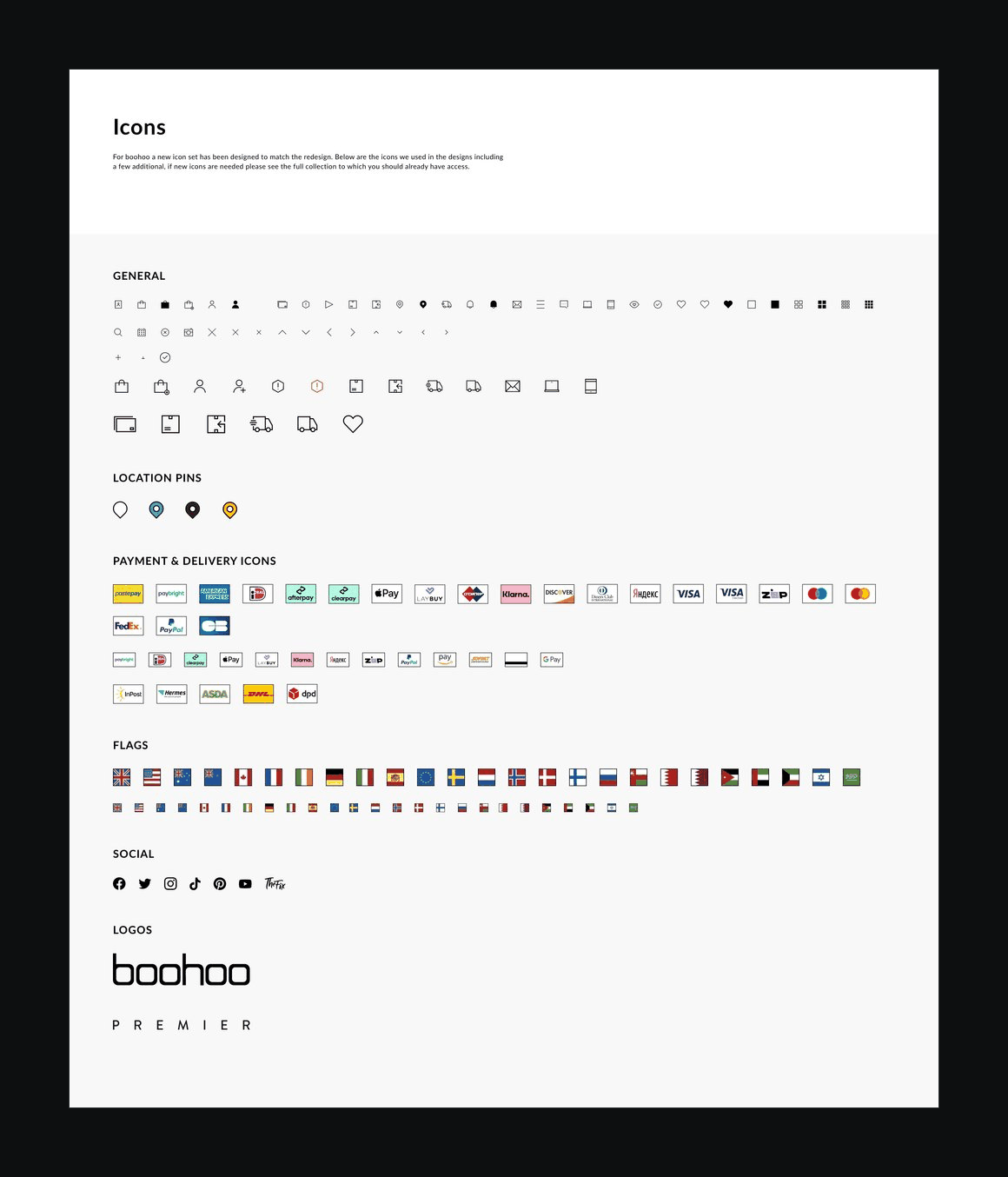
Icons — image slot The icon set: general, location, payment and delivery icons and flags
W — H — 01 / 2
03

Every state, every size

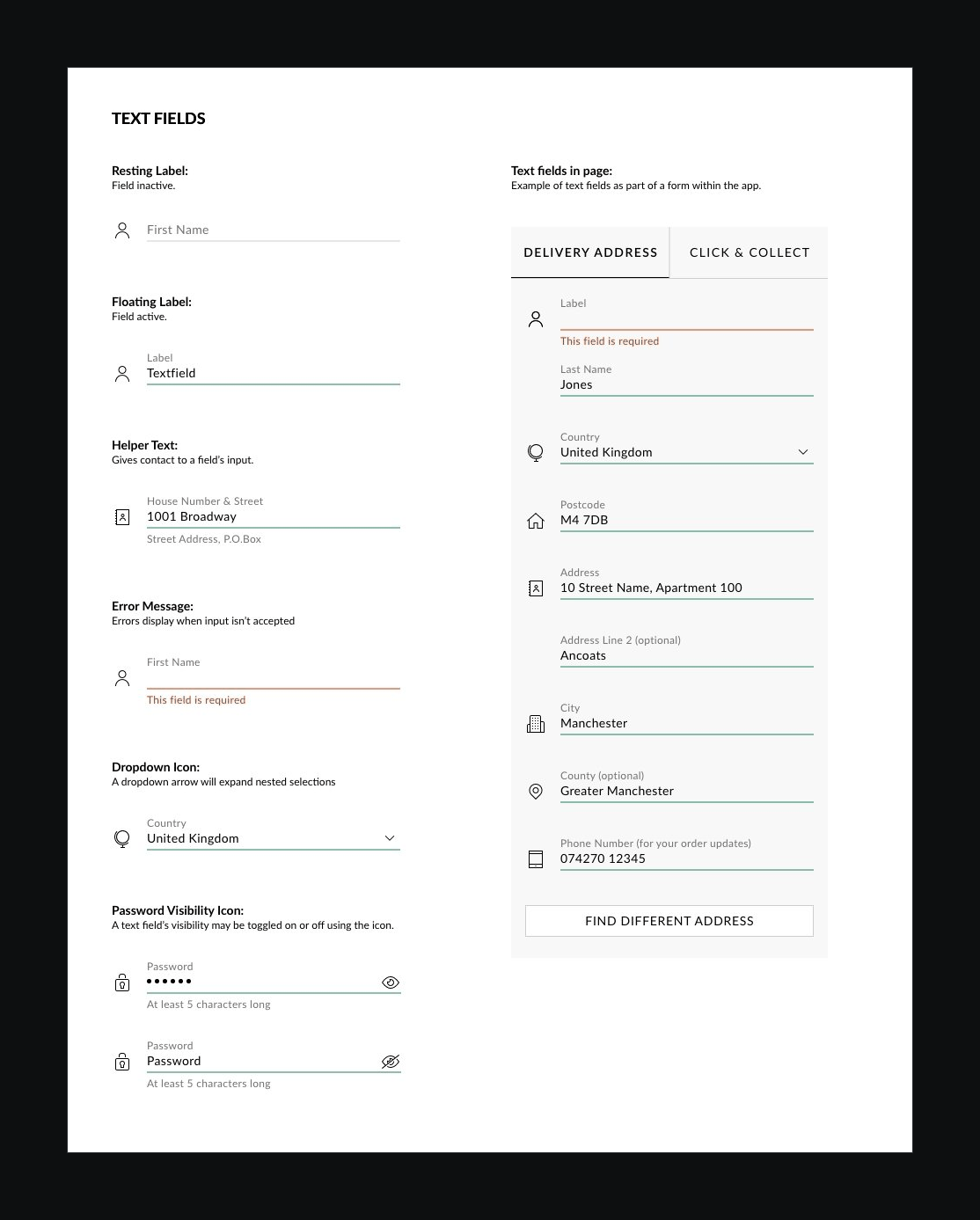
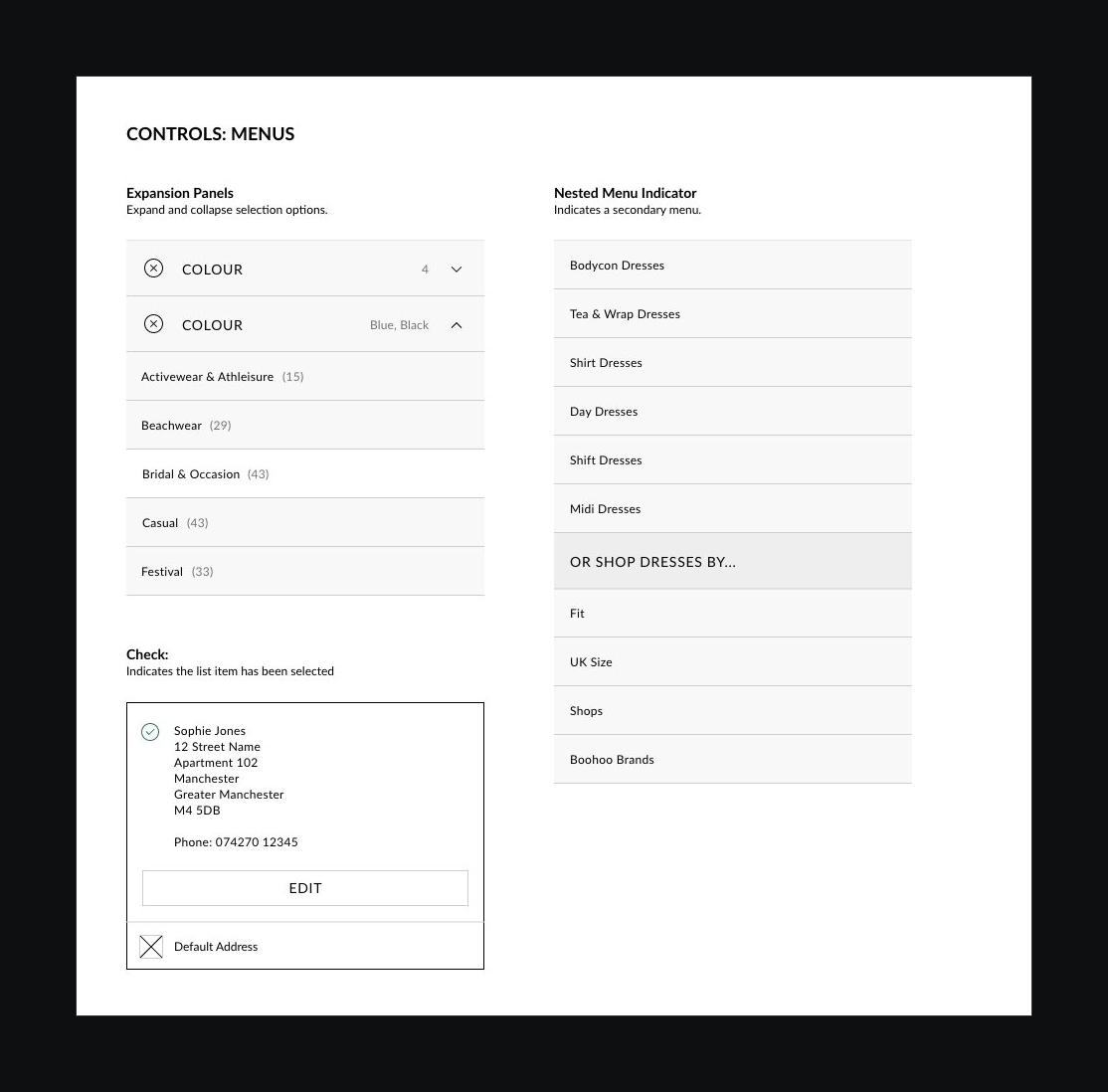
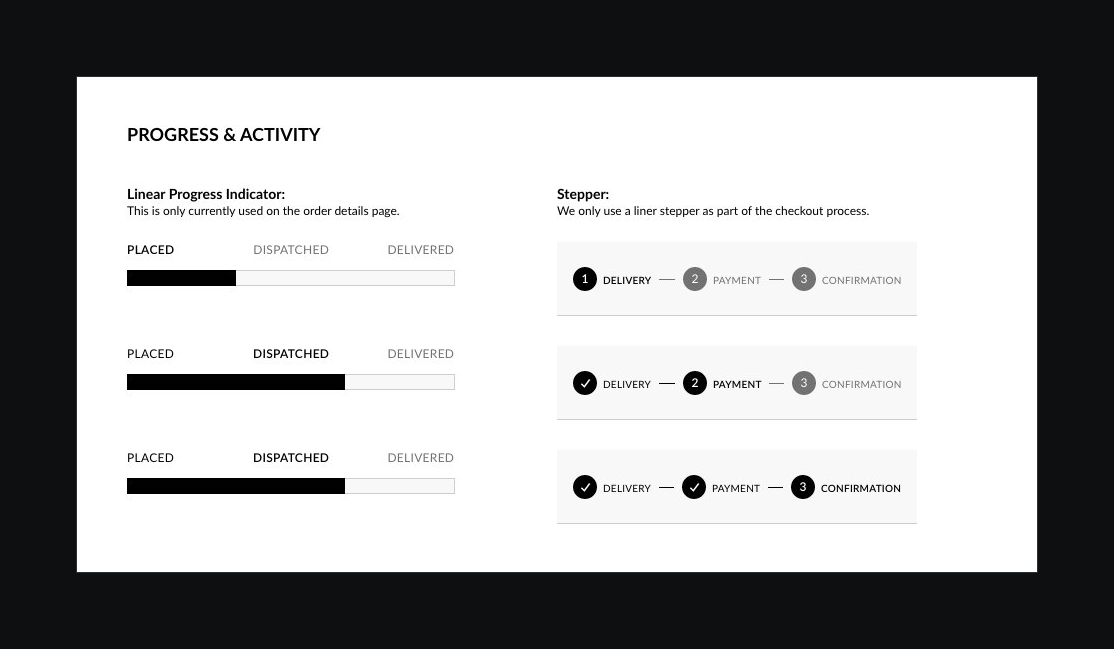
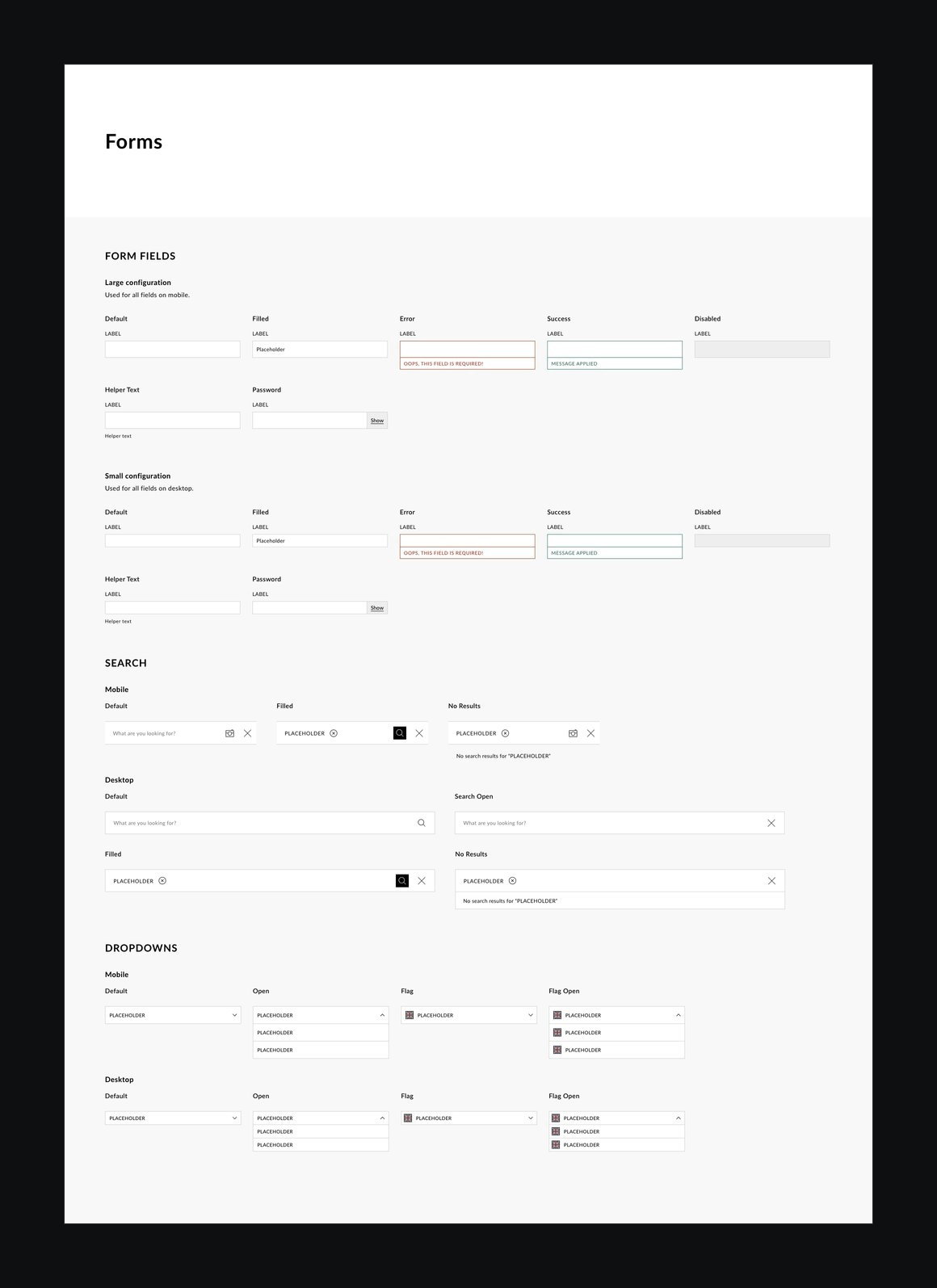
Designers and developers relied on the libraries, so every asset had to be clear and pixel-perfect, and show every state it could be in. A missing state is a question someone has to stop and ask, or a guess that ends up in production.
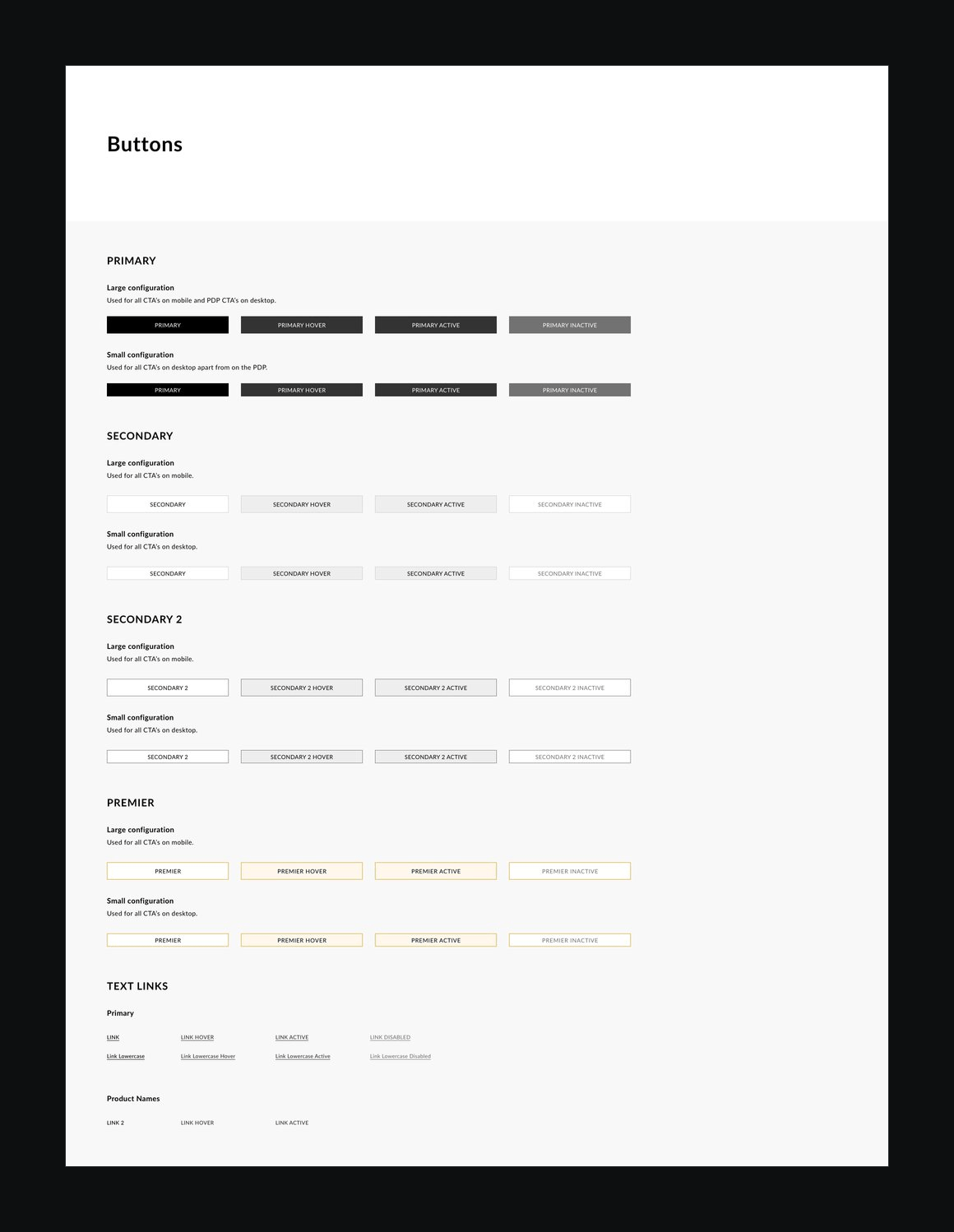
Buttons — image slot The buttons page, with every button type, size and state
Forms — image slot The forms page, with fields, search and dropdowns in each state
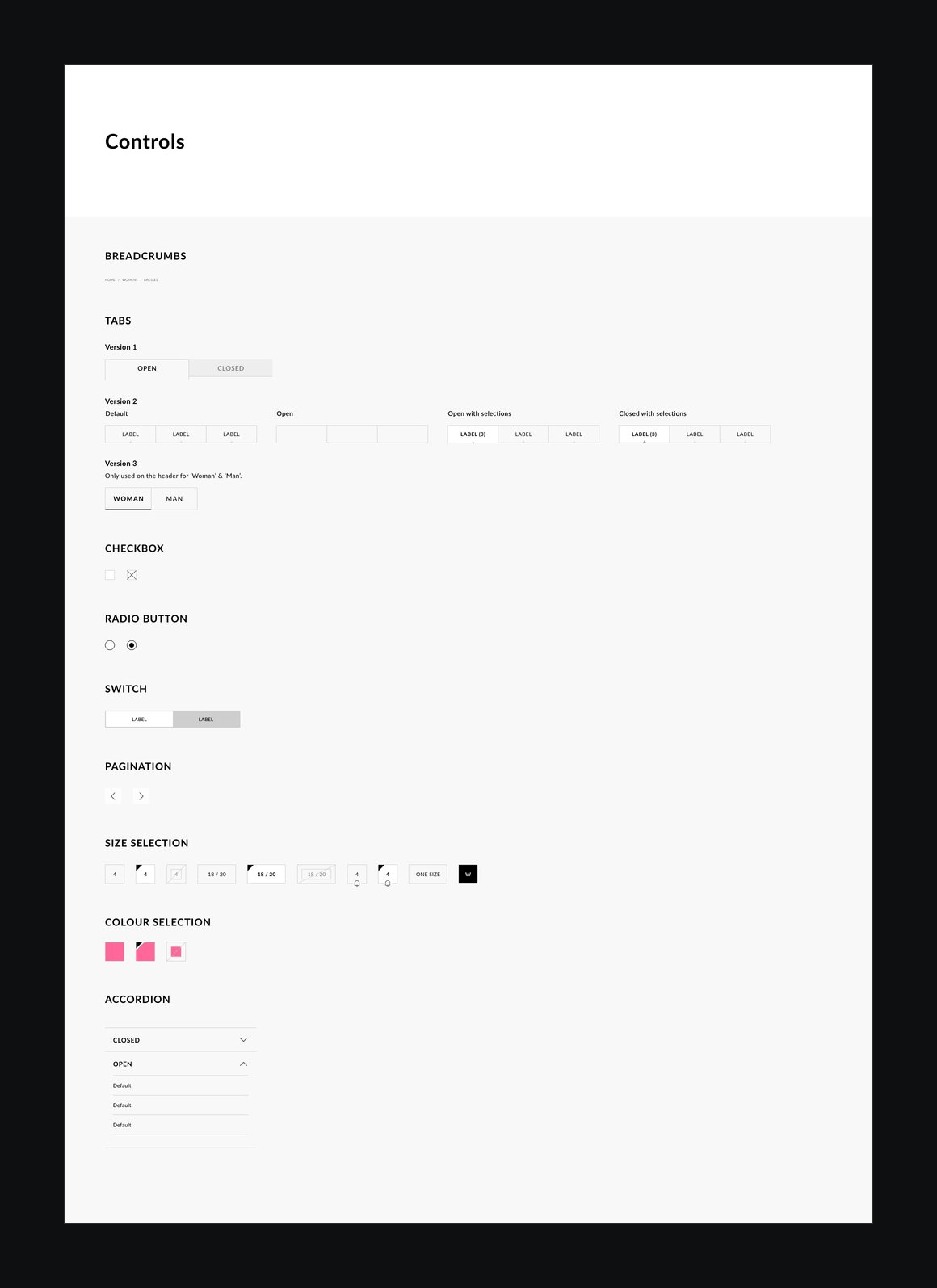
Controls — image slot The controls page, from breadcrumbs to colour selection
W — H — 01 / 3
Text fields — image slot The text fields page, with each field state beside a delivery address form
Menus — image slot The menus page, with expansion panels and a nested menu
Progress — image slot The progress page, with a linear progress indicator and a checkout stepper
W — H — 01 / 3
04

From components to pages

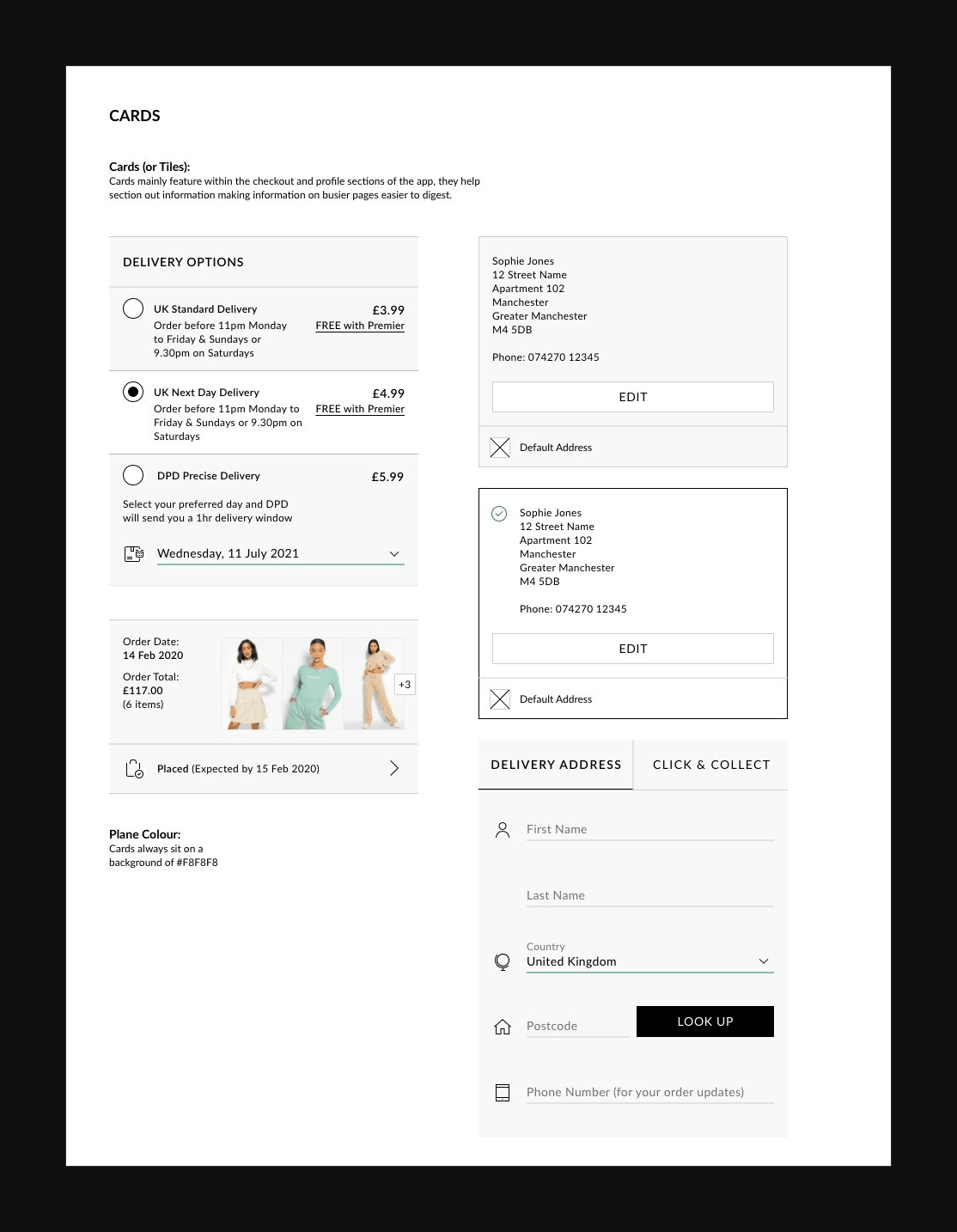
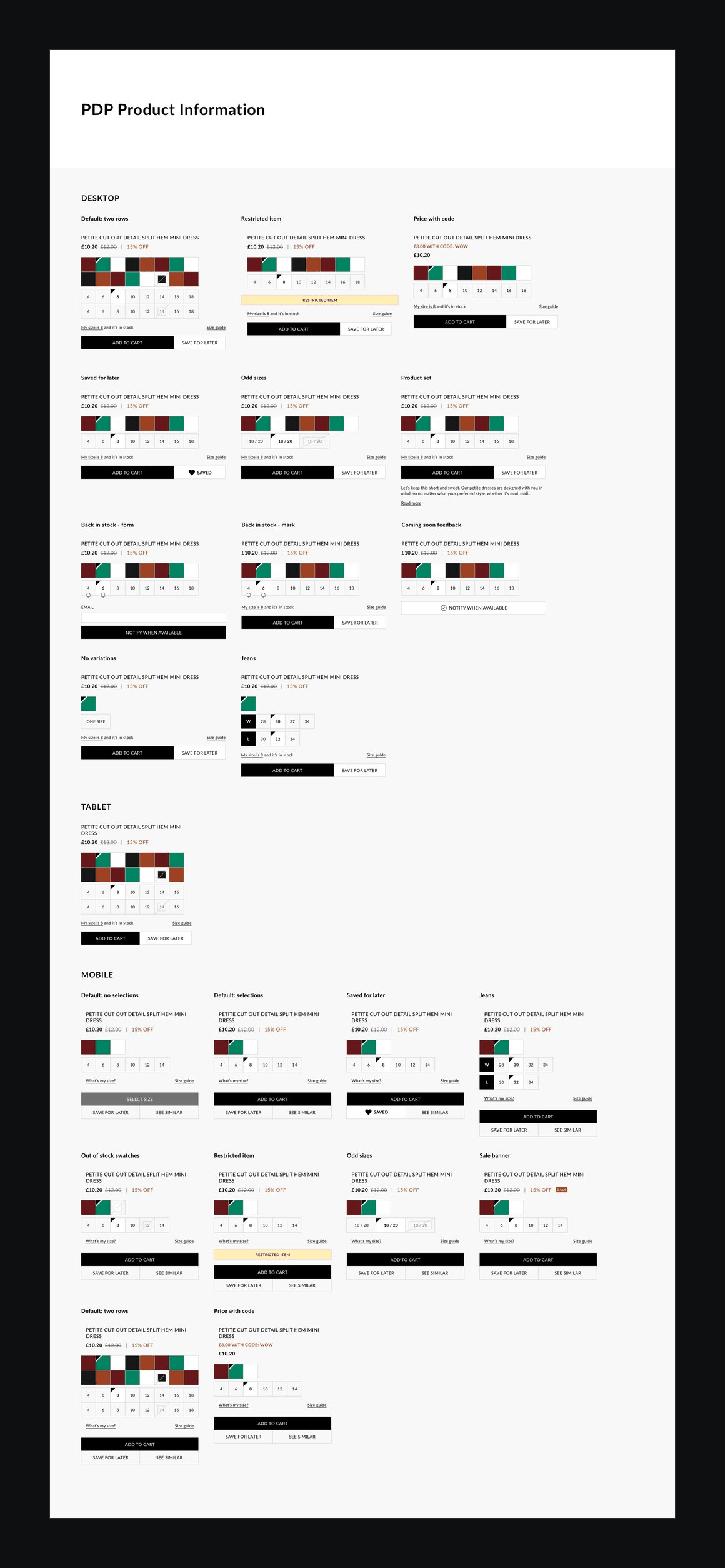
Components only go so far. The libraries also documented the larger pieces every page is built from, such as the header, footer and product information, with each variation a real page would need.
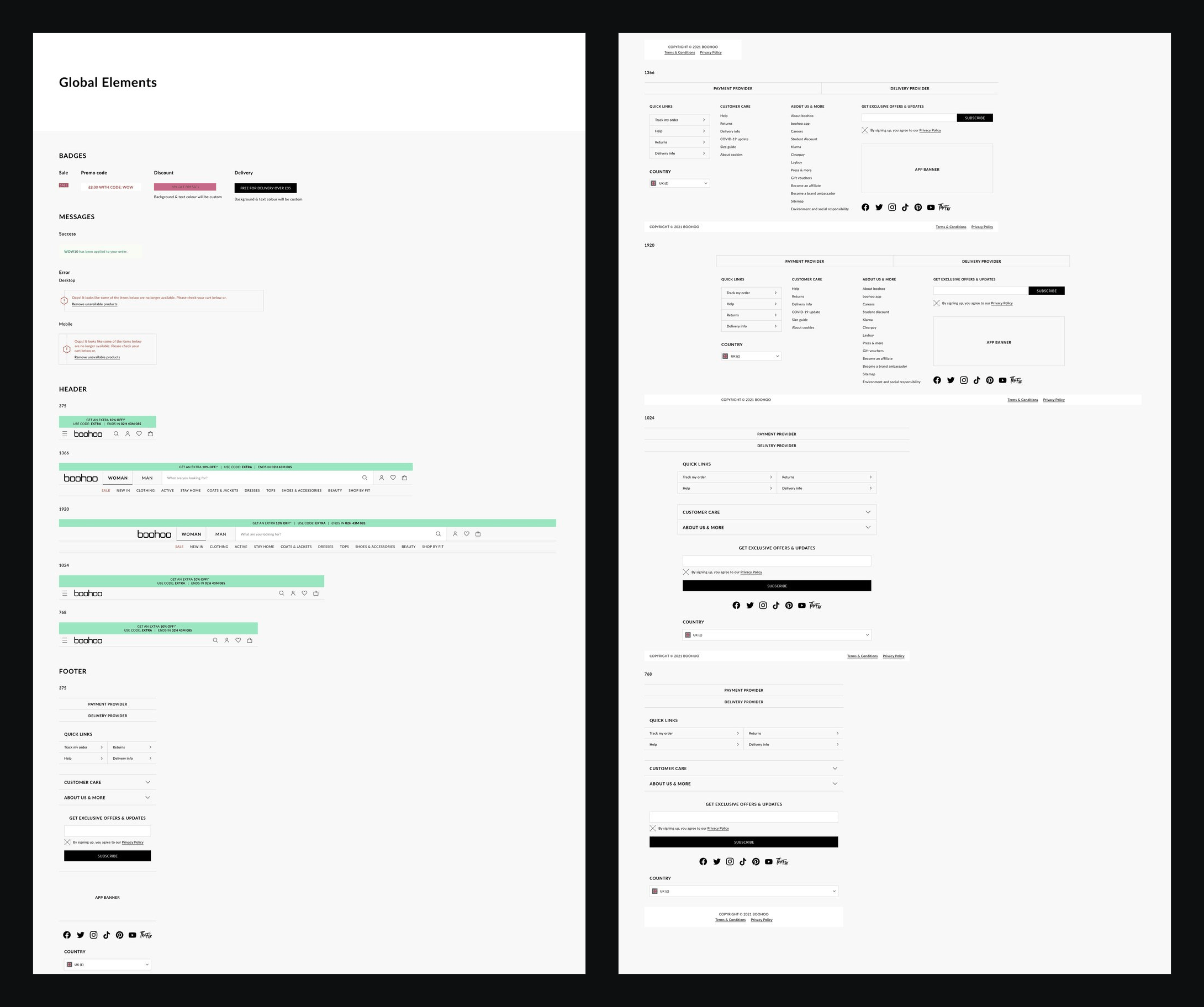
Global elements — image slot The global elements page: badges, messages, headers and footers
Product information — image slot Product information states for desktop, tablet and mobile
W — H — 01 / 2
Cards — image slot The cards page: delivery option, address and order cards
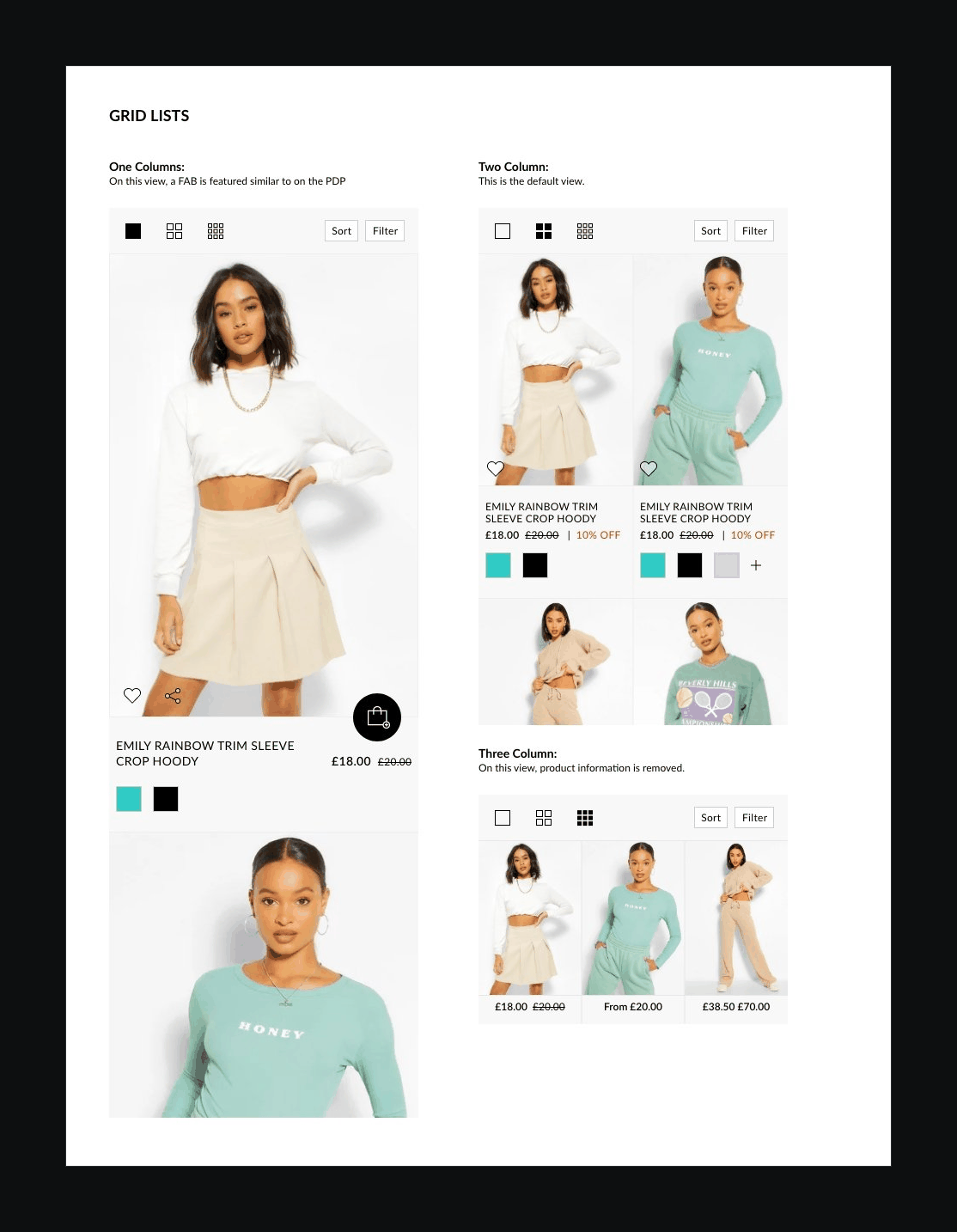
Grid lists — image slot Product grid lists in one, two and three columns
W — H — 01 / 2
05

Into the app

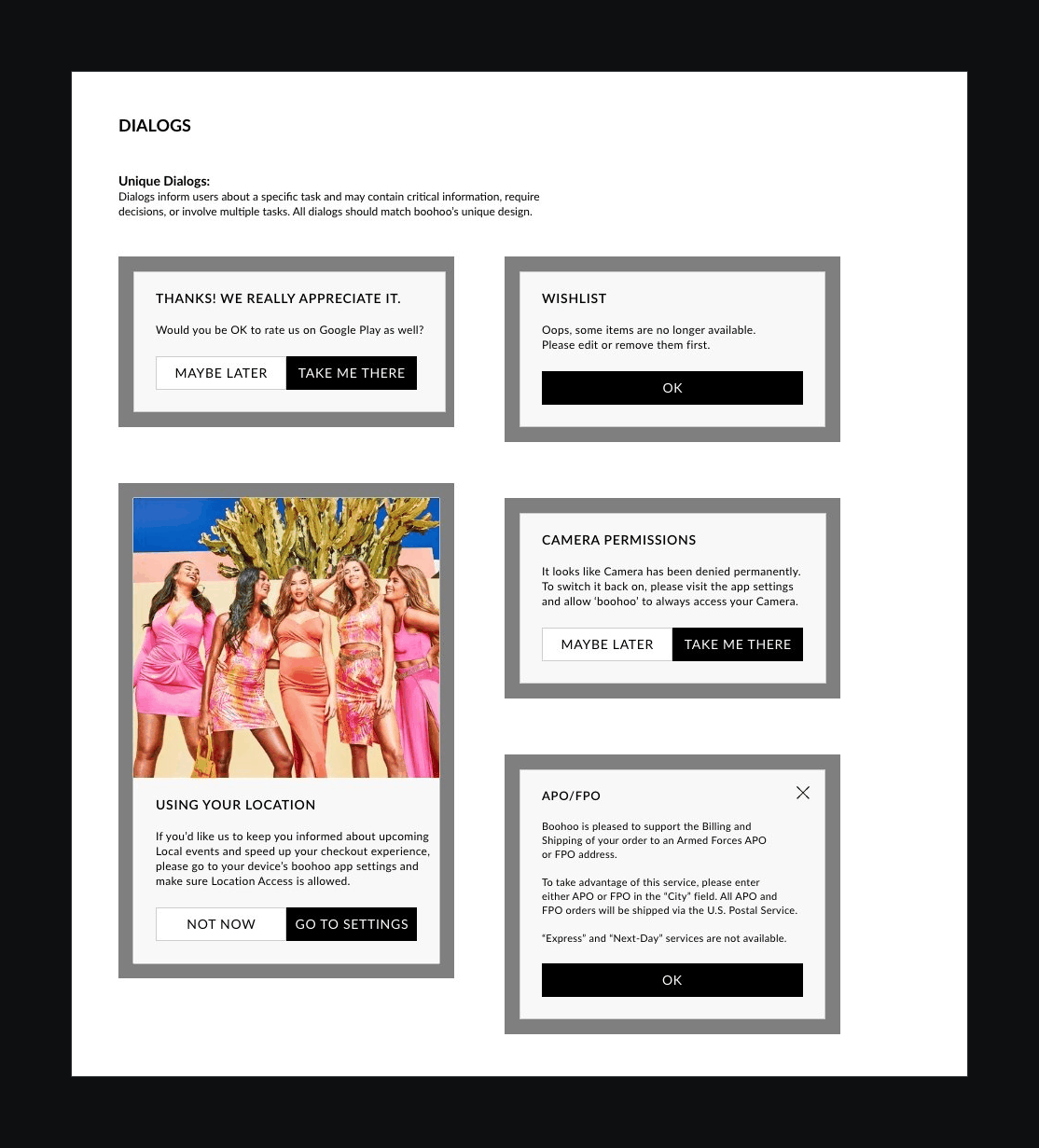
The same discipline carried into the app, where navigation and interruptions behave differently from the web: what’s highlighted where, when a dialog is allowed to stop someone, and what a bottom sheet should hold.
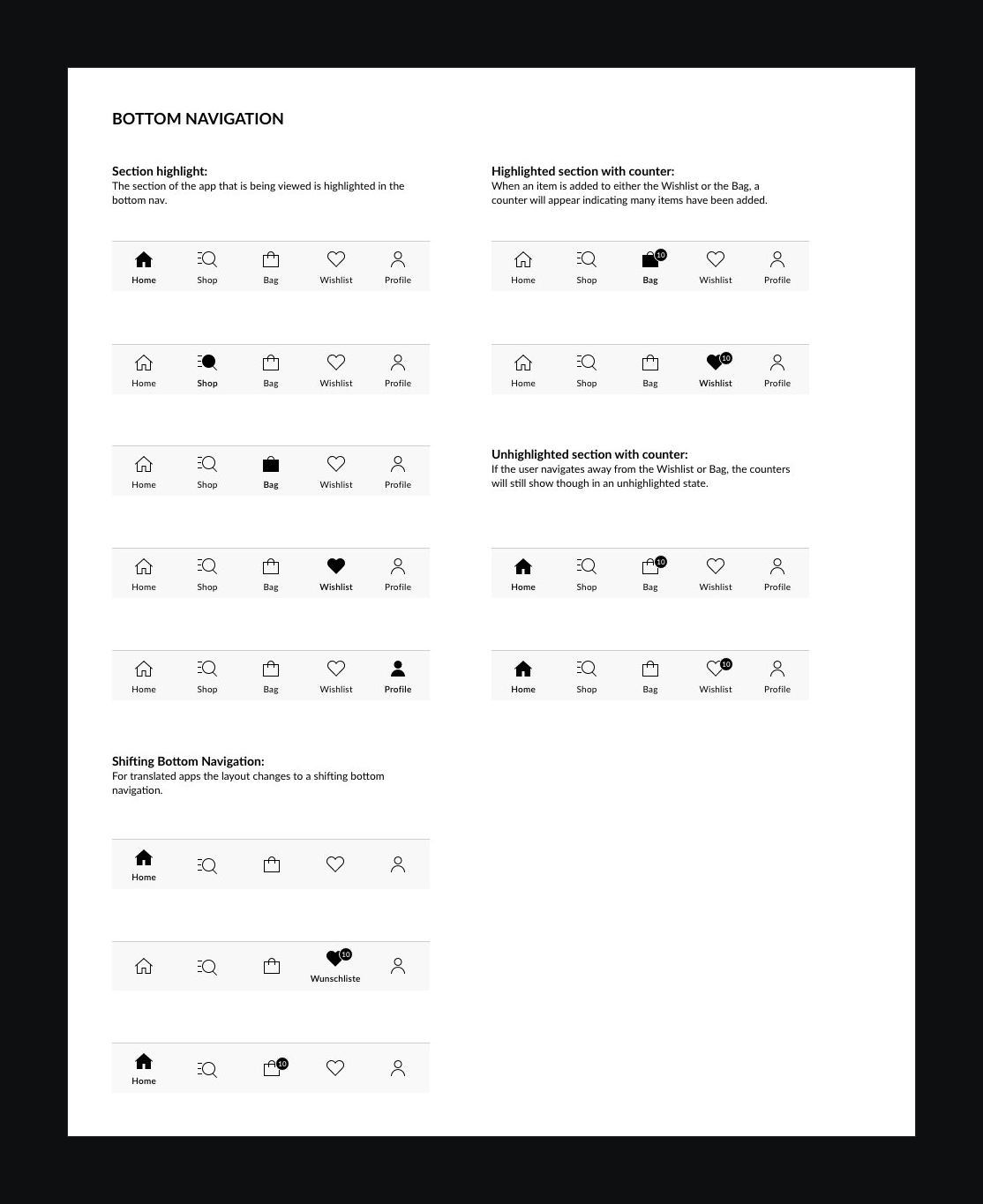
Bottom navigation — image slot Bottom navigation states, with highlighted sections and counters
Dialogs — image slot App dialogs for ratings, wishlist, location and camera permissions
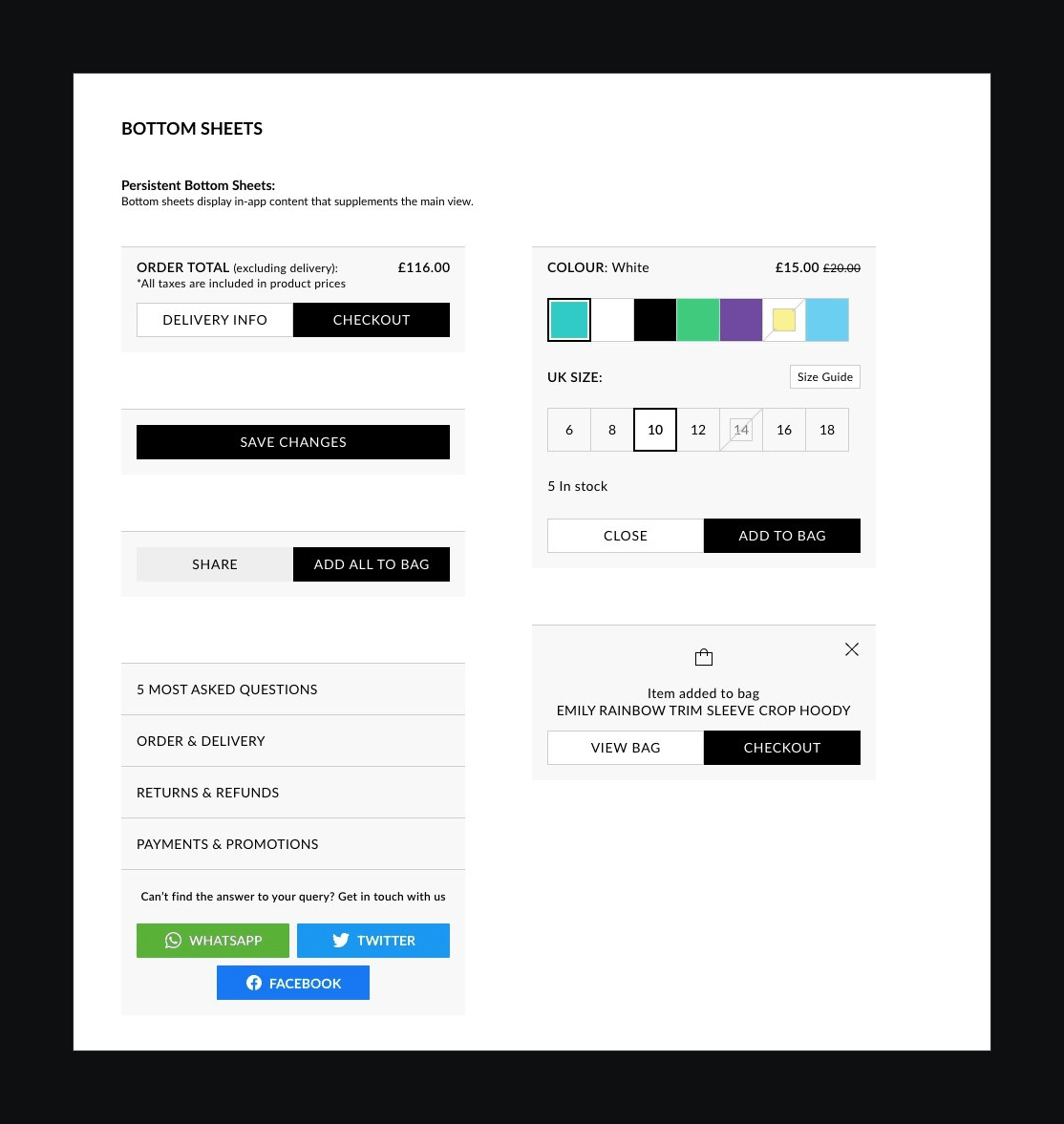
Bottom sheets — image slot Bottom sheets for checkout, size and colour selection and help
W — H — 01 / 3
06

The outcomes

6 recorded

The libraries became part of daily work for the people building Boohoo’s brands, which is why accuracy and consistency mattered as much as they did.

Outcome 01Full style guides for all 12 Boohoo Group brands, where only two had them before.
Outcome 02Libraries used daily by the Group’s designers and developers.
Outcome 03Foundations with usage rules, including a colour matrix showing which combinations can be used.
Outcome 04Components documented in every state and size, so nothing had to be guessed in the build.
Outcome 05Page-level patterns, from headers and footers to the product buy box in every case.
Outcome 06The same system extended into the app: navigation, dialogs and bottom sheets.

Result

Every brand with a system of its own, instead of a copy of someone else’s.

← Back to index Press G for grid